Powerful Features for Every Merchant
CashOutly packs enterprise-grade POS capabilities into a mobile app, web portal, and dedicated customer app — NFC Tap to Pay, AI inventory, barcode scanning, QR payments, real-time reports, automated CI/CD, crash reporting, and more — at a fraction of traditional costs.
Point of Sale
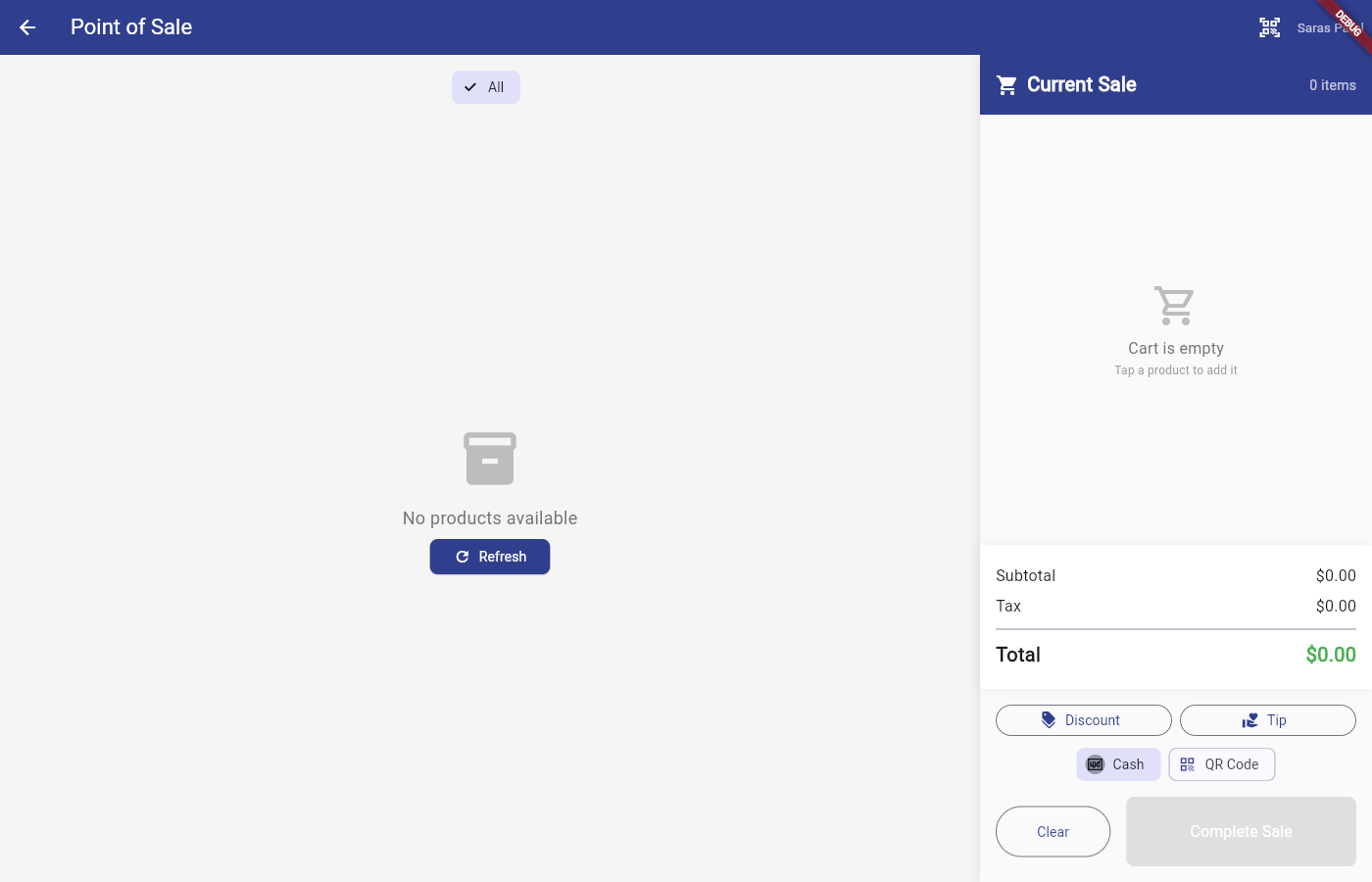
A full-featured POS terminal that works on your phone, tablet, or desktop.
Product Grid & Cart
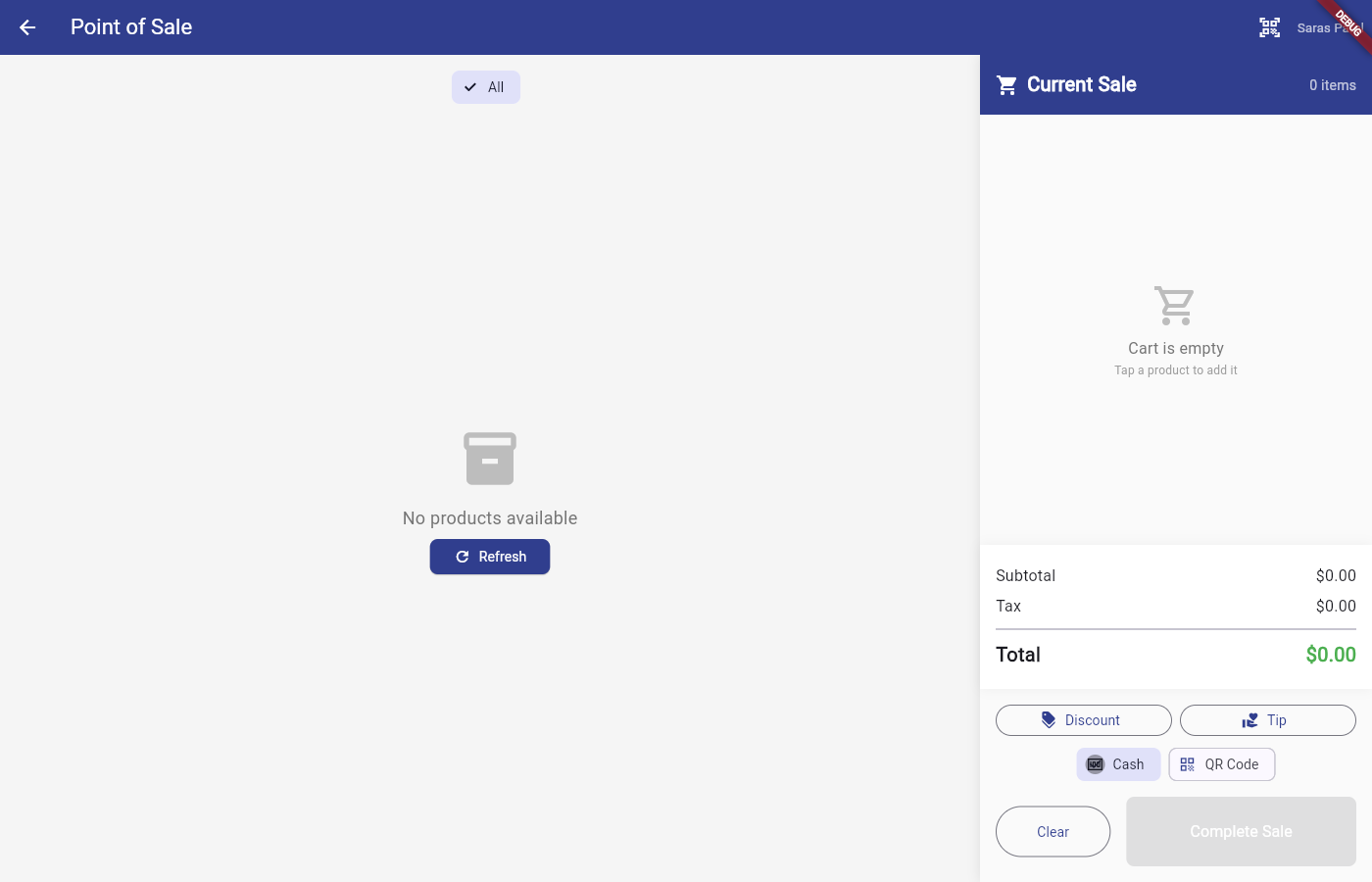
Browse products visually, add to cart, adjust quantities, apply discounts and tips with real-time total calculation.
Tax Calculation
Automatic sales tax from store address / city (LocationSalesTax). Merchants do not set tax rates manually.
Cash Checkout Flow
Quick-select amount chips, live change preview, and mandatory change-due confirmation dialog before completing each sale.
Payment Methods
Accept payments any way your customers prefer — cards, QR codes, cash, and more.
Apple Pay & Google Pay
NFC Tap to Pay on iPhone and Android via Dejavoo / iPOSpays — no external card reader hardware required.
Venmo & PayPal QR Codes
Each merchant adds their Venmo username or PayPal.me link. Customers scan a QR code at checkout to open the merchant's profile and pay directly — CashOutly never processes those payments.
Cash App & Cash Checkout
Cash App $Cashtag QR codes plus advanced cash payment with quick-select amounts and live change calculation.
Barcode Scanning
Scan products instantly with your device camera — no extra hardware.
Camera-Based Scanner
Use your device's camera to scan barcodes with proper camera lifecycle management and instant product lookup.
Manual SKU Fallback
If the barcode won't scan, manually enter the SKU for quick product lookup with error handling.
Direct Cart Add
Scanned products are added directly to the cart with one tap. Speeds up checkout dramatically.
Inventory Management & AI
Smart inventory tools powered by Azure OpenAI.
AI Photo Analysis
Snap a photo of your products and let AI automatically count, identify, categorize, and catalog them into your inventory.
Search, Filter & Categories
Find any product instantly with full-text search, category filters, and smart sorting.
Variants & Modifiers
Support product variants (size, color) and modifiers (add-ons, extras) with independent stock tracking.
Cloud Catalog & Resilience
Catalog, sales, and licensing run through the CashOutly API on Azure Cosmos DB.
API-First Store Data
Catalog and sales live in the cloud via the CashOutly API. Merchants do not keep a local SQLite catalog cache.
Encrypted API Transport
Application-layer X25519 + AES-256-GCM body encryption on top of TLS for CashOutly API JSON.
Connection Awareness
API health monitoring, clear offline messaging, and automatic retry when connectivity returns.
Bill Delivery
Send receipts the way your customers want them.
Email Receipts
Send beautiful branded receipts directly to your customer's inbox.
SMS / Text Receipts
Quick receipt delivery via text message for customers on the go.
Bluetooth Thermal Printing
Connect any ESC/POS-compatible Bluetooth thermal printer for physical receipts.
Reports & Analytics
Track your business performance with real-time data.
Auto-Refresh Dashboard
Today's sales update every 30 seconds in real time. View revenue, transaction counts, and top products at a glance.
Custom Date Range Reports
Daily, weekly, and monthly breakdowns with date range picker. Filter by report type for detailed analysis.
Export & Share
Export reports and share sales data. Track trends over time with summary cards and detailed breakdowns.
Database Backup & Recovery
Plan-based cloud backups protect store data according to your license.
Cloud Backups
Encrypted backups stored via the CashOutly API / cloud storage — not a local SQLite file or Azure SQL database.
Plan Schedules
Free: no backup. Standard: daily. Growth: every 2 hours.
Backup Recovery
Restore from a backup point in the merchant app when your plan includes backups.
Customization & Branding
Make CashOutly look like your own branded app.
Custom Branding
Upload your logo, set brand colors and fonts. Dynamic theming applied at runtime from merchant configuration.
Receipt Templates
Configurable receipt headers, footers, and layouts to match your brand.
Multi-Store Support
Manage multiple store locations from a single account with per-store settings and isolated data.
Tax & Payroll Documents
Built-in tax document generation saves you time and money.
W-2 & W-4 Management
Capture employee W-4 data individually or bulk-process all employees sequentially with skip/done options. SSN masked in UI and encrypted at rest.
Tax Worksheets
Generate W-2 / W-4 worksheets and related tax documents from store data. CashOutly does not e-file with the IRS.
State & Local Tax
Automatic state and local sales tax from store location.
Enterprise Authentication
Secure login with Microsoft Entra ID and role-based access control.
Microsoft Entra ID SSO
App-level login via Microsoft Entra External ID with OAuth 2.0 PKCE. Enterprise-grade single sign-on for your team.
Internal User Switching
Quick-select Entra users or local username/password login. Switch between users without app restart.
Role-Based Access
Admin, Merchant Owner, Employee, and Customer roles with granular permissions and super-admin protection.
Payment Setup Wizard
Guided step-by-step onboarding for all payment providers.
Wizard-Based Setup
First-time setup walks you through payment provider configuration with direct account creation links and built-in test steps.
Dejavoo / ACH Setup
Configure Free/Standard managed Dejavoo Tap to Pay with ACH settlement, or Growth merchant-owned Dejavoo credentials.
Test & Verify
Built-in test transaction step ensures your Tap to Pay setup works before going live.
Customer App
A dedicated app for your customers to discover merchants and pay at the counter.
Find Local Merchants
Customers search for nearby merchants by name, city, or category. Only merchants with active paid licenses appear.
Browse Menus & Products
View product listings, prices, categories, and availability. Build a cart before arriving at the counter.
Pay at Counter
Show cart to merchant, then pay via cash, QR code, Apple Pay, or Google Pay — or pay in store with the merchant.
App Logging & Crash Reporting
Built-in diagnostics for fast troubleshooting and support.
In-App Log Viewer
Built-in log viewer with level filtering (info, warning, error). Copy, export, or clear logs from within the app.
Share with App Maker
One-tap share or email logs directly to the development team for fast support resolution.
Crash Reporting
Automatic crash detection with on-screen dialog prompting users to send error details to the app maker instantly.
Multi-Platform & Responsive
One system for everyone — merchants, employees, and customers across all devices.
Mobile App (iOS & Android)
Full POS operations on your phone with offline capability, NFC Tap to Pay, and camera barcode scanning.
Web Portal & macOS Desktop
Dashboard, reports, settings, and customer self-service from any browser or macOS app.
Responsive Design
LayoutBuilder and MediaQuery-based layouts that adapt seamlessly to phone, tablet, desktop, and web.
CI/CD & Deployment
Automated build and deployment pipelines powered by Azure DevOps.
Azure DevOps Pipelines
Automated YAML pipelines for API, mobile apps, customer app, and web — triggered on main and develop branches.
Azure App Service Hosting
Backend API, merchant website, and customer website all hosted on Azure App Service with multi-tenant isolation.
Production Security
HTTPS everywhere, security headers (HSTS, frame deny, nosniff), Entra ID tokens, application-layer API transport encryption, and per-merchant data isolation.